Application Options
Application options are a way to add property values via database. Application options are treated as properties and will overwrite the properties already defined with the same key.
Application parameters screen
To manage application options, you must navigate to Tools -> Application parameters.
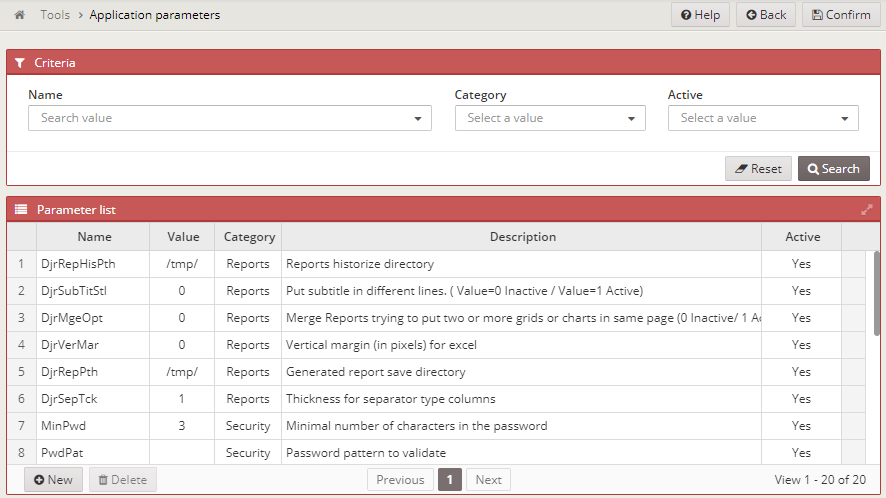
There, you will have a screen where you can add, update or delete the application screens in three categories:
- Security: Security-related properties
- Reports: Report generation properties
- General: Other properties