Layout
AWE layout service helps the developer to position the screen layers taking advantage of all the screen size. There are two ways of 'expanding' the layout:
- Vertically: With the
expandible="vertical"attribute the direct children with aexpandstyle will increase in height to fit the container size. All children without theexpandclass will keep their height. - Horizontally: With the
expandible="horizontal"attribute the direct children with aexpandstyle will increase in width to fit the container size. All children without theexpandclass will keep their width.
Special expansion
There are some special styles which can be used to expand the layout slightly different than with the standard expand style:
expand-2x: Expands the tag with double size compared to a singleexpand.expand-3x: Expands the tag with triple size compared to a singleexpand.expand-maximize: Expands the layout of the tag only when the parent window is maximized.
Vertical layout
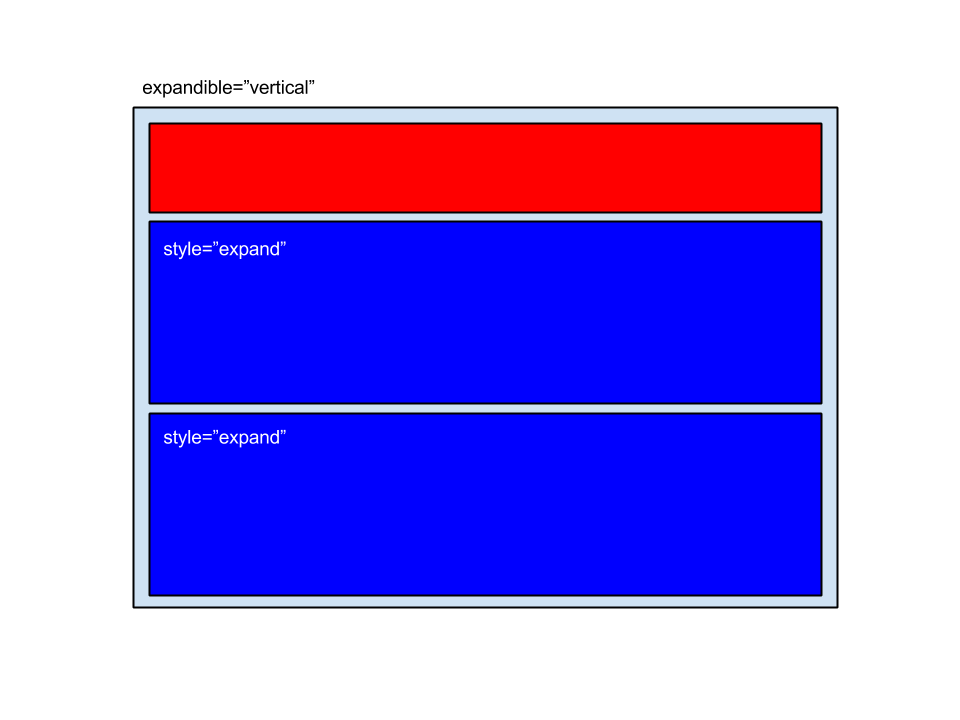
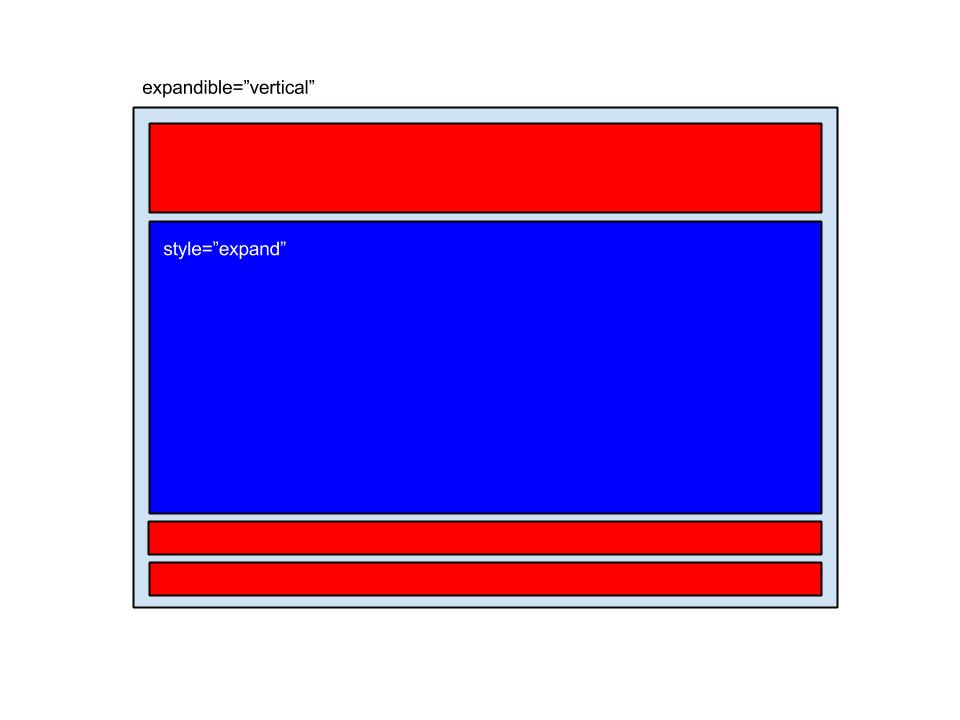
In the following samples you can see an element with the expandible="vertical" attribute. Red boxes are children without the expand style, and blue boxes are children with the expand style:
Two expandible children and one static child
One expandible child and some static children
Horizontal layout
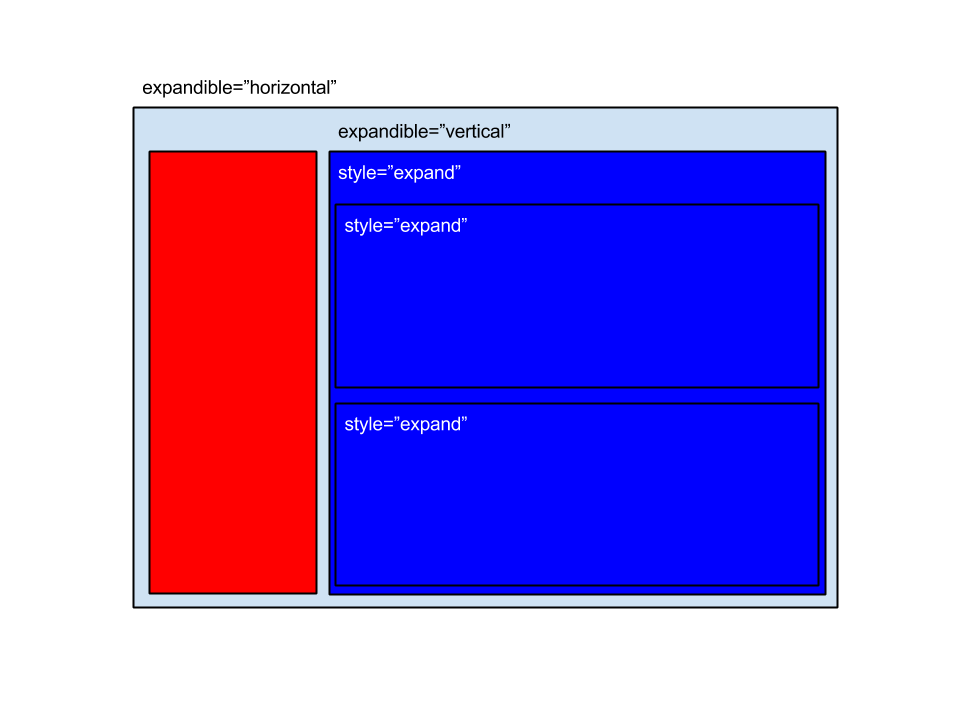
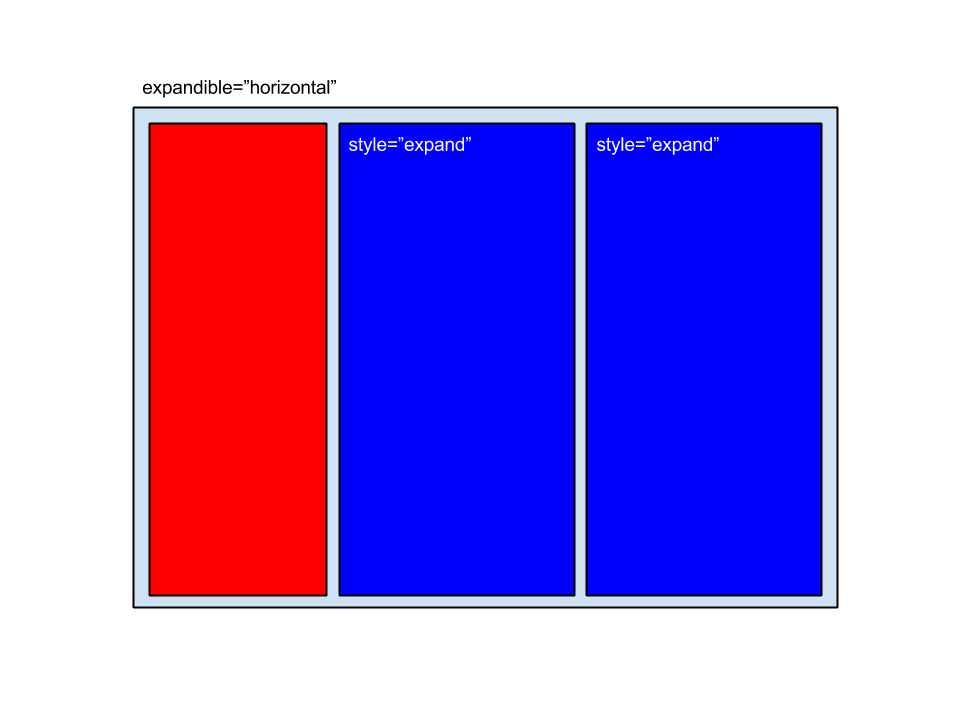
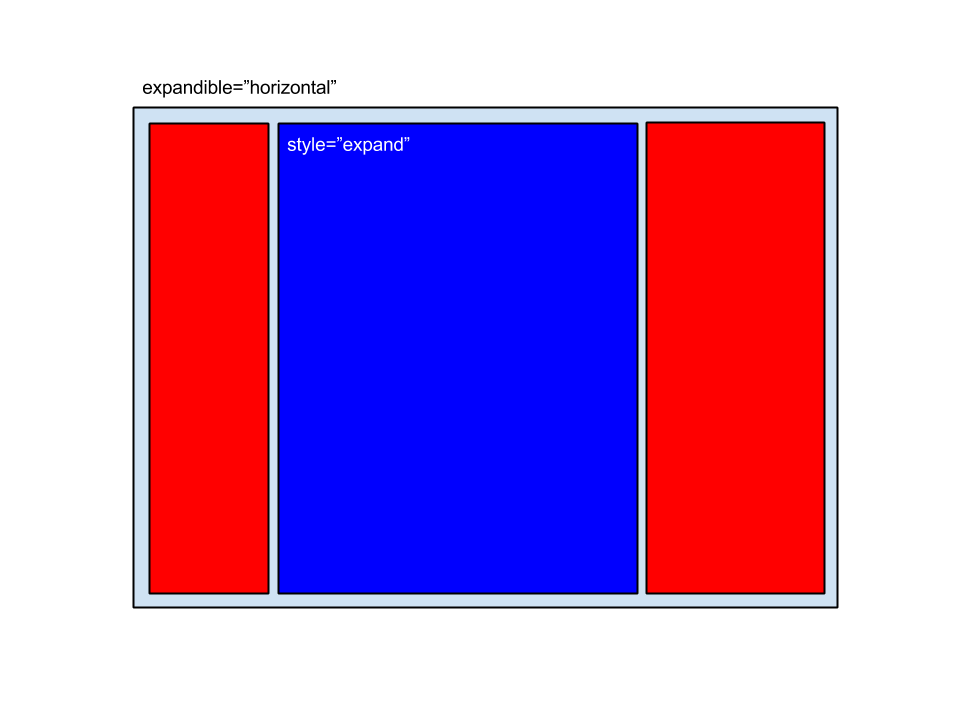
In the following samples you can see an element with the expandible="horizontal" attribute. Red boxes are children without the expand style, and blue boxes are children with the expand style:
Two expandible children and one static child
One expandible child and some static children
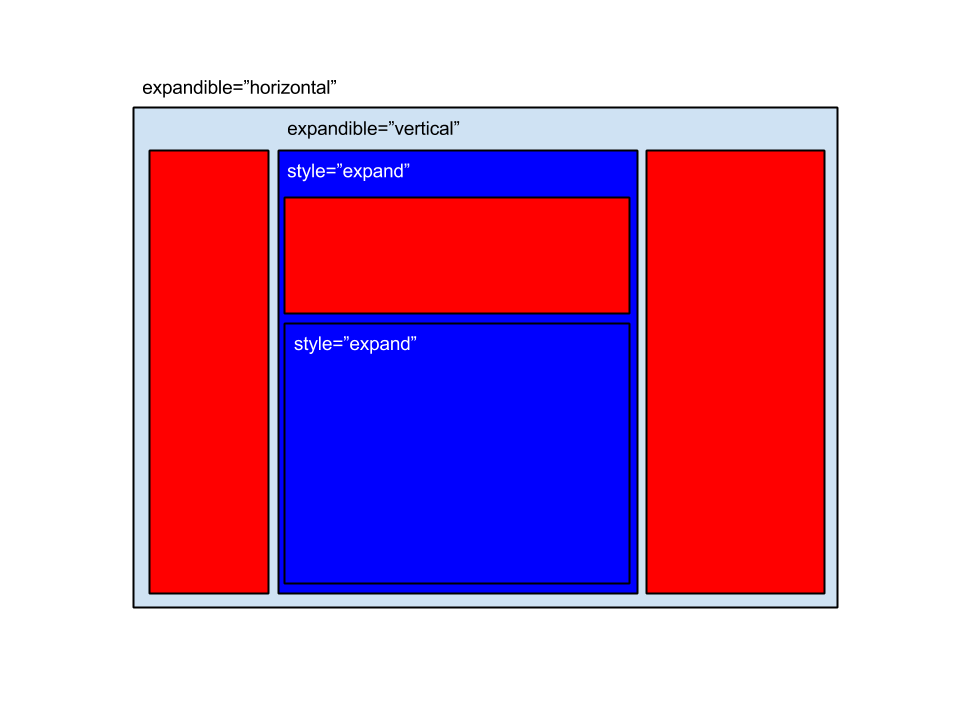
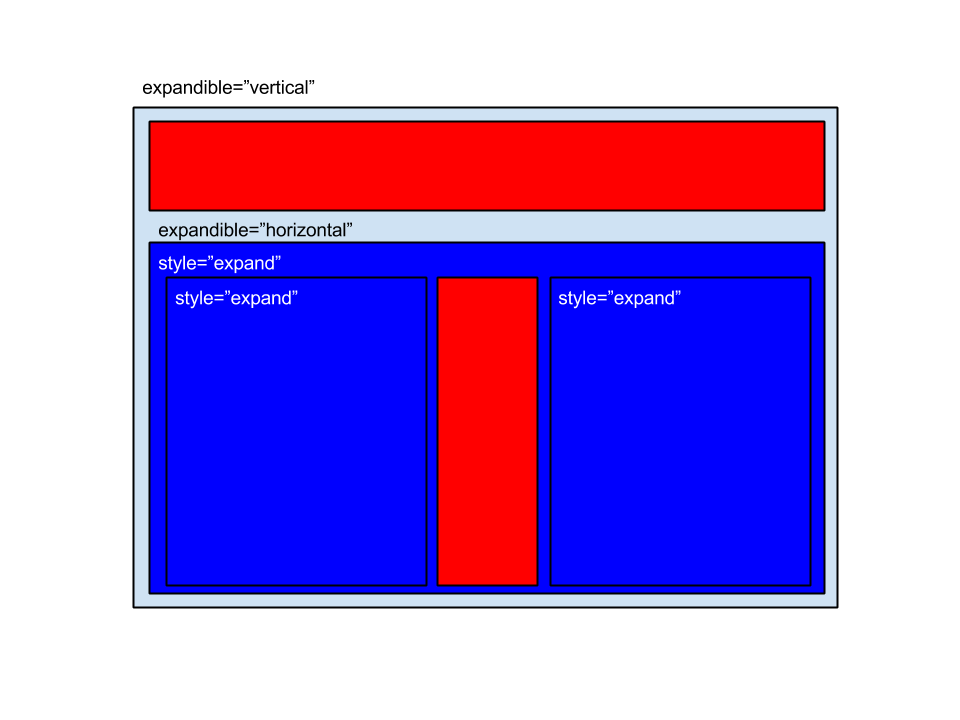
Combined layout
To design an application screen you can combine the usage of vertical and horizontal layouts with expandible and not expandible children: