Messages
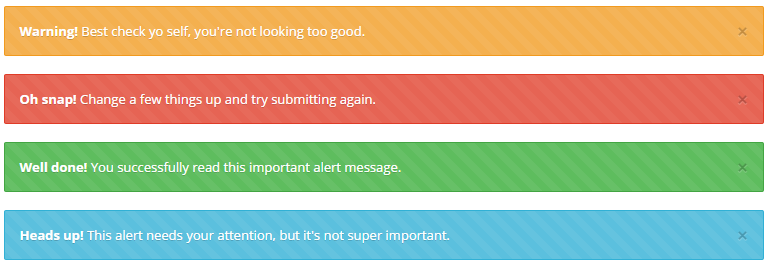
Message elements define the messages that are shown after executing an action. They are usually declared in the hidden section of the window.
This element is usually referenced from the target attribute of a button action.
XML structure
The XML structure of a message element is the following:
  <tag source="hidden">
    <message id="[id]" title="[message-title]" message="[message-text]" />
    ... more messages ...
  </tag>
Atributos del mensaje
| Name | Tipo | Uso | Descripción | Valores |
|---|---|---|---|---|
id | String | Obligatorio | Identificador de mensaje | |
title | String | Obligatorio | Message title | Note: You can use i18n files (locales) |
message | String | Obligatorio | Content of message | Note: You can use i18n files (locales) |
Ejemplos
- Show a confirmation message before inserting new data
...
<tag source="hidden">
  <message id="NewMsg" title="CONFIRM_TITLE_NEW" message="CONFIRM_MESSAGE_NEW" />
</tag>
...
<button button-type="button" label="BUTTON_CONFIRM" icon="save" id="ButCnf" help="HELP_CONFIRM_BUTTON">
  <button-action type="confirm" target="NewMsg" />
  <button-action type="server" server-action="maintain" target-action="UsrNew" />
</button>